
Editing 1

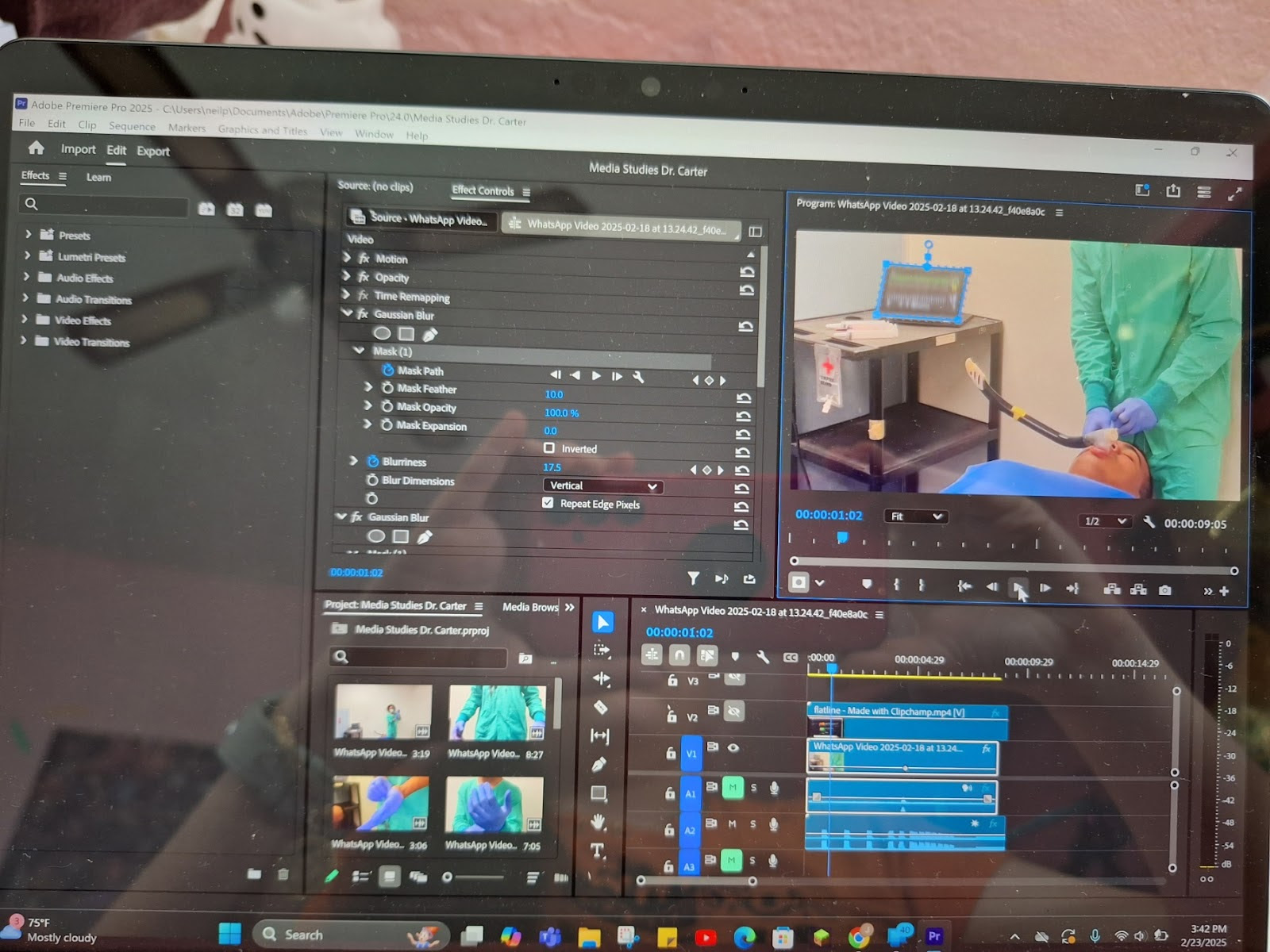
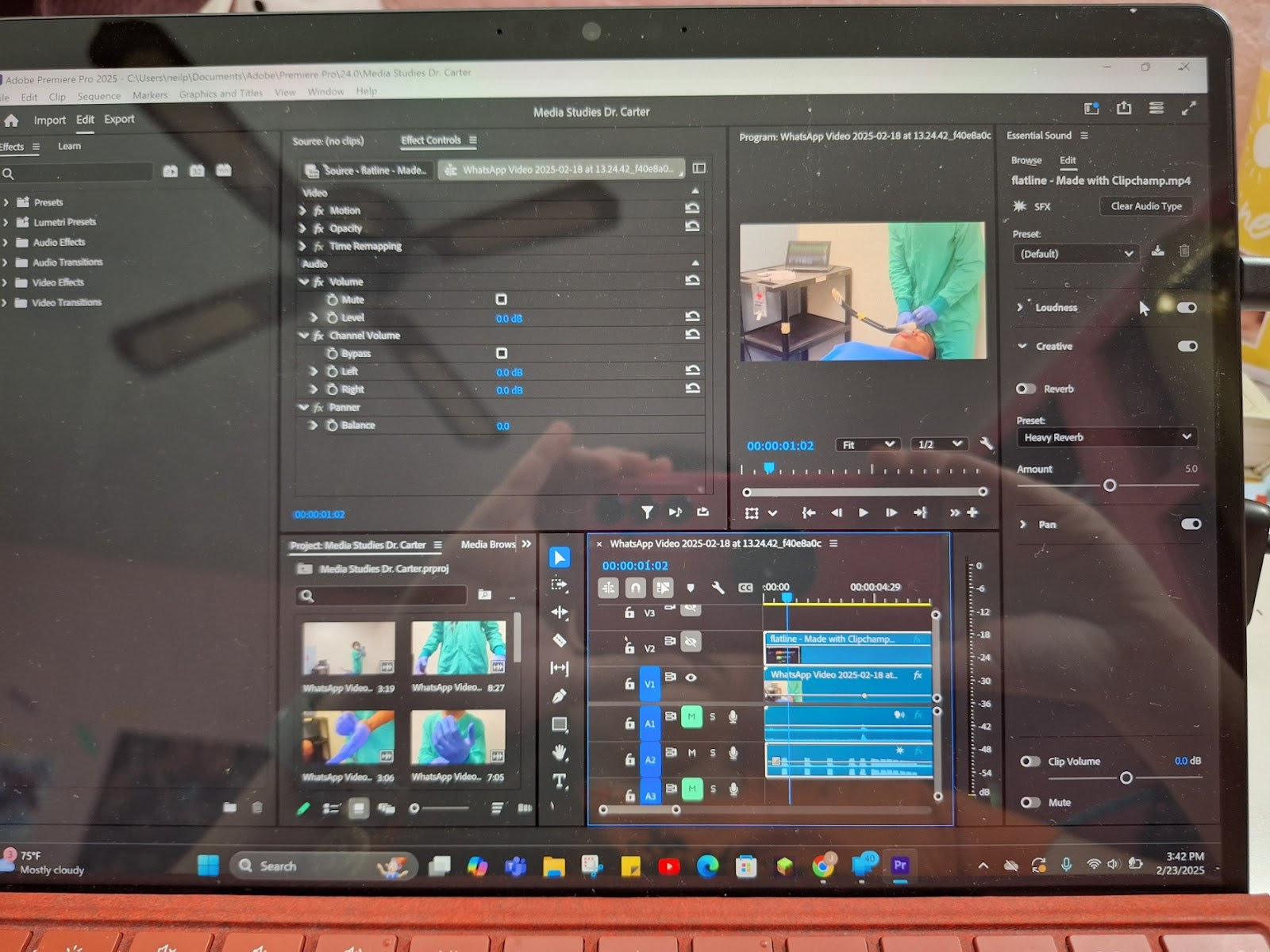
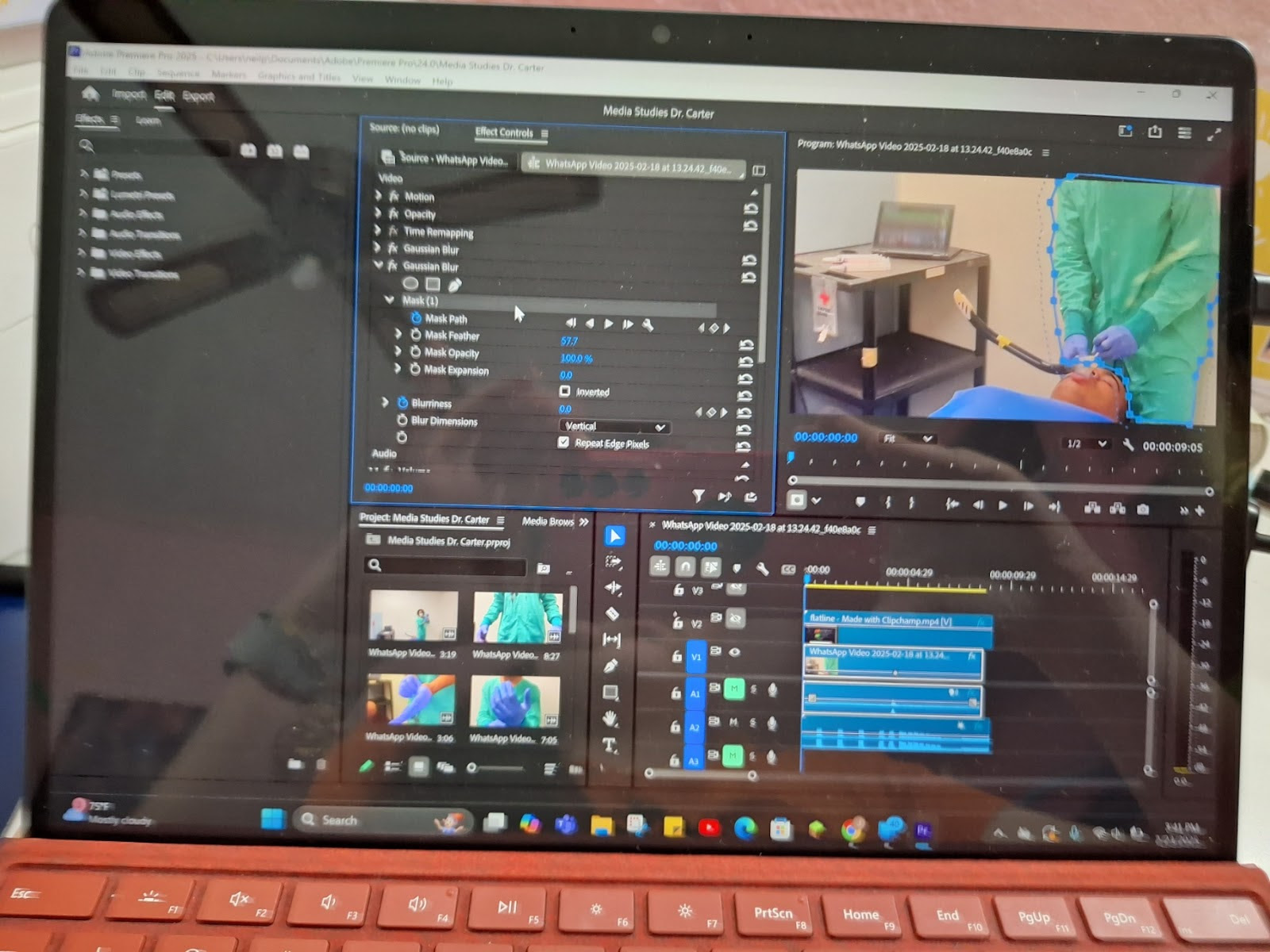
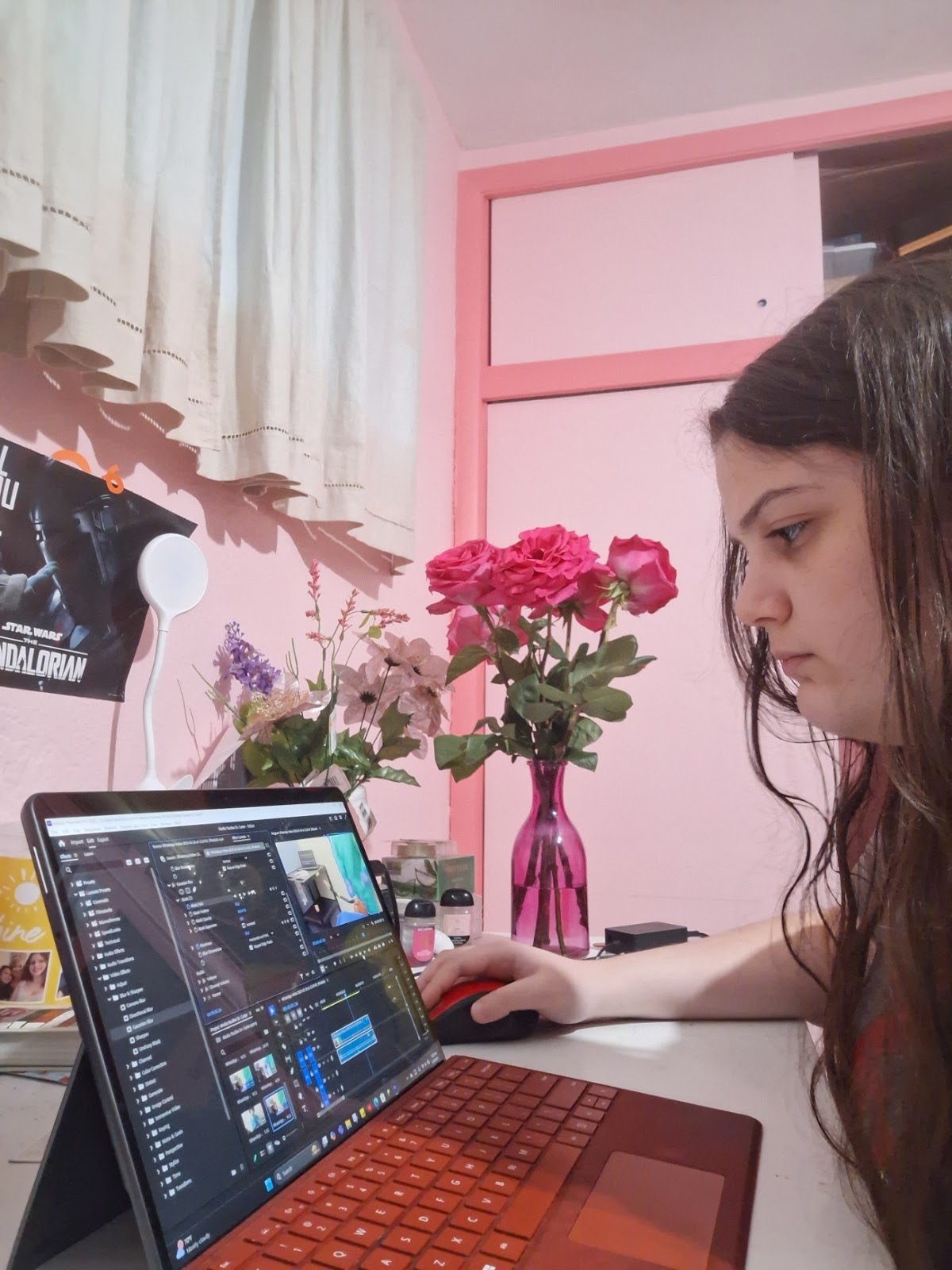
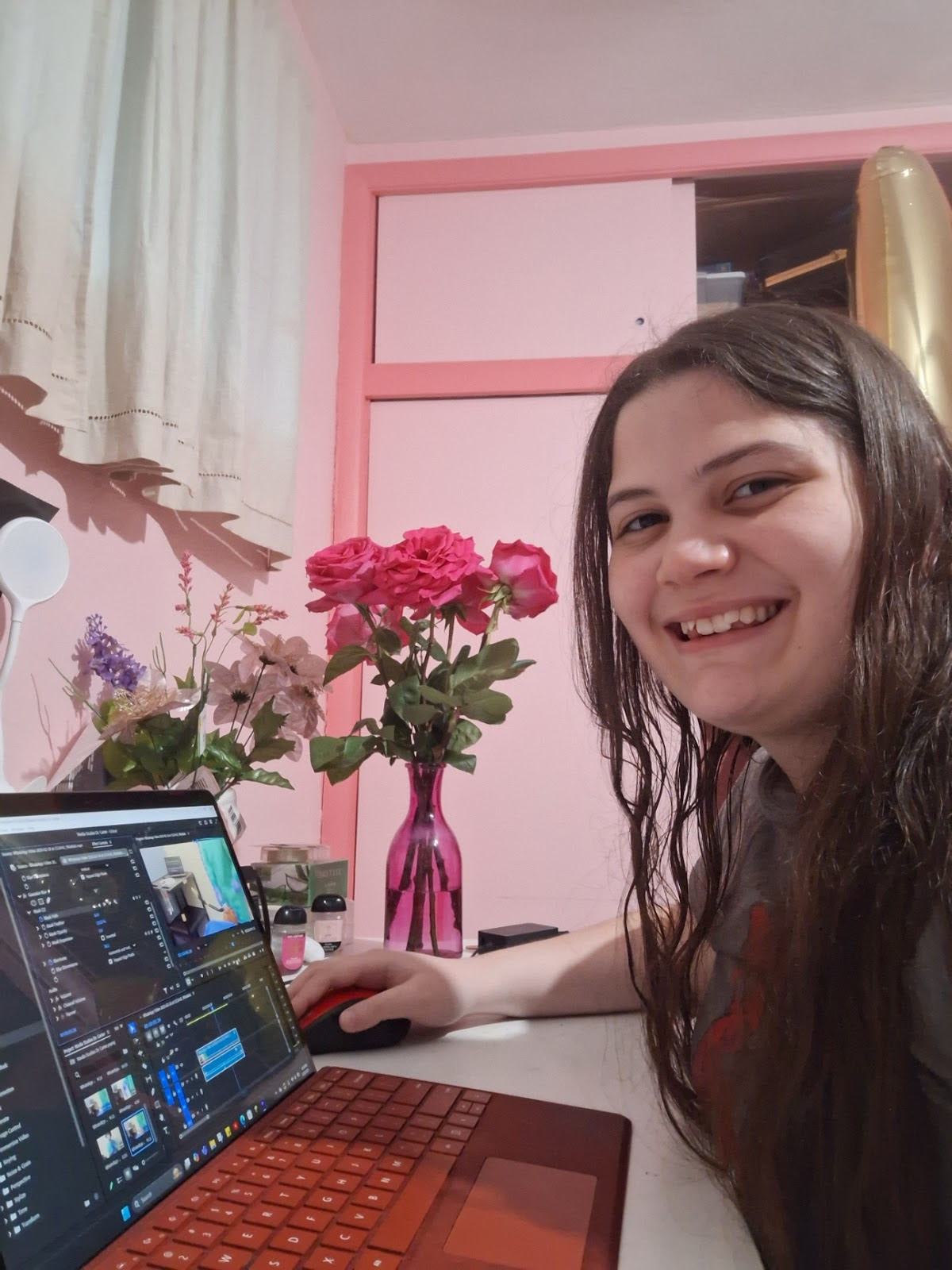
 This week, Janelle began editing the scenes we filmed last week together. Carl-Daniel will be the primary editor because he has the most experience; however, Janelle also helped edit one particular scene to draw more attention to the focus shift within the scene and add realistic sound to it as Janelle had access to a more detailed editing software. The scene was only about 10 seconds long, but it took Janelle a good 2-3 hours to finish getting the sound effects we wanted using a sound-designing software and making the focus shift look more noticeable and seamless. Carl-Daniel also spent a few hours this week piecing together the other shots we took to make them coherent and added transitions to them. We are mostly just using straight cuts in this part of the sequence to speed up the pace and build anticipation for what's happening; however, we also realized while editing that we wanted to film an additional scene with a close-up of a flashlight (making it look like a surgical light) to do a graphic match to the first part of the sequence (in the woods) to better connect the 2 parts of the sequence. 

Other than that, we mostly only used blur effects to create different focus-effects to draw attention to the right parts of the scene (i.e. what Janelle did with the focus-shift). Audio-wise, in the scene we've been editing, we are primarily just going to add in beeping monitors and add a voiceover of the few lines of dialogue in this part of the scene (e.g. of William saying "scalpel" and "14-gauge"). Janelle was able to find a free version of a beeping heart-rate monitor that quickens and eventually stops that Janelle added to the track after adjusting it, time wise, to fit into what's happening on the monitor using Adobe Audition. The main problem we've had editing so far has been inconsistency and the time-consuming nature of editing, primarily because Carl wanted to edit most of the scenes himself. That is why Janelle insisted on editing the focus-shift scene, as Janelle knew that would only present an additional task for him to do when Janelle had access to Adobe Premiere Pro, which made it easier anyway. We have yet to decide on fonts we are using in the film; however, we know we want it to be something horror-esc. We know that the title will be "Dr. Carter" and will come on screen in the last few seconds of the film as an action match (when Dr. Carter is attacked at the end, the letters will follow the movement of the bat used to attack him as the camera jerks to black). At the beginning, we will also include the names of the main actors (Kobe and William), as well as the director (me) and the editor (Carl).
Comments

Popular posts from this blog

Title Sequence Final

The font we chose to use was shlop because it seems scary and horror themed which is the direction our Opening sequence heads towards. We made sure that the actual title of the movie was red to resemble a bloody name to create a creepy and scary vibe. The credits role one name at a time by what service and/or acting was done by that person. We came to this decision because we wanted to highlight the font and style of the title sequence text to catch the vibe of the opening sequence better after it finished. We chose this because in the end this style and font captures what we imagined the opening sequence to give off it was meant to be creepy and install fear.

Editing and transition

  1. Crosscutting  0:00-0:16 This transitions between the 2 characters situation to allow the viewer to understand the POV and the situations their facing to see what might be the issue going on.  Feeling for their situation and how their unaware of the situation of the others. It lets the reader construct all of the events going on at once. 2. Eyeline match 0:17 This transition shows the viewer that the "bad guy" in the scene can now see one of the protagonists And creates a sense of suspense and worry seeing as the bad guy has one of the protagonists in his sights and he's chasing after her. 3. Eyeline match  1:11-1:13 The transition showing a character look through binoculars and seeing monsters incoming towards them highlighting the impending danger coming towards the character creating a sense of suspense for the viewer and anxiety of what if the monsters reach him  4. Short takes  1:39-1:44 includes a flashback of small clips capturing important momen...

AICE media studies period 8 Blog Post #4

 Rule of thirds  1. The camera work allows for the young black gentleman in frame to really be a prime focus of the image with a secondary focus of what he is doing  2. The audience should feel happy seeing the man smile as he reads a book interested in what he is reading  Deep Focus  1. This photo allows to get a good facial analysis of who this humble young man allowing to see the demeanor of his face establishing character  2. The audience should feel understanding of who this is and how they are feeling within the moment Shallow focus 1. The photo allows to capture the background while keeping an emphasis on the person in the photo seeing the mood in the setting he's in 2. This allows the audience to feel a sense of immersion seeing the character and the setting allowing to feel the appropriate emotions within the setting Focus pull 1. The structure of the camera allows to capture a dual focus of one character to another that has more interesting moveme...